

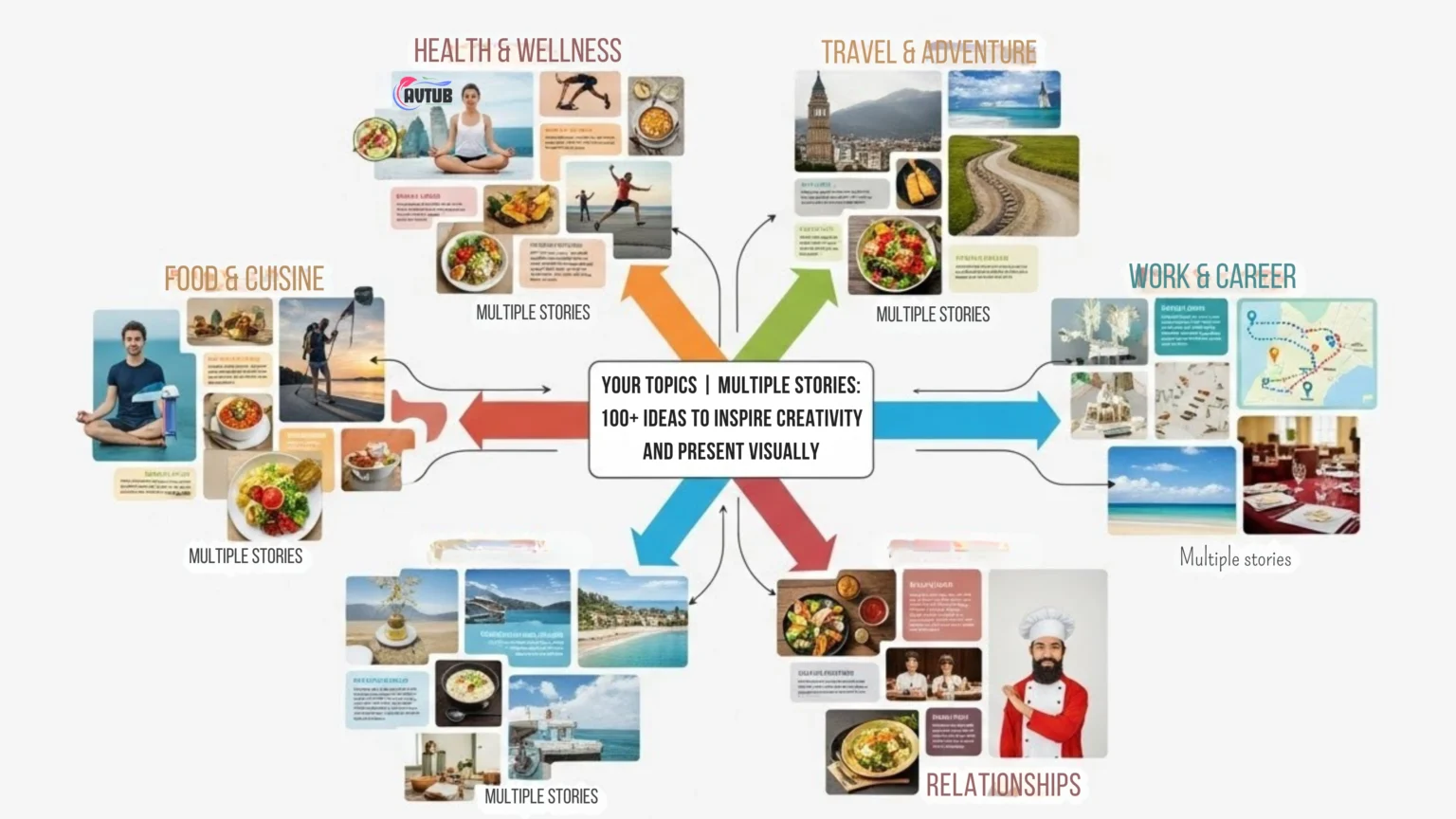
Got your topics, multiple stories, and a blank page? Don’t panic. This guide shows you how to turn any topic into many different stories and present them in a way people actually want to see. You’ll get 100+ ready-to-use ideas, simple frameworks, and visual formats you can copy today.
What “Your Topics | Multiple Stories” Really Means
It means you start with one topic (like “recycling,” “fitness,” or “teamwork”) and then create multiple story angles from it. Same topic. Different viewpoint, timeline, emotion, or outcome. It’s like taking a selfie… from 10 different angles. (Some of those angles should never be posted. But they exist.)
Example topic: “A lost phone”
- Comedy: The phone autocorrects a message into chaos.
- Mystery: The phone has photos that don’t belong to the owner.
- Heartfelt: Someone returns it and changes a bad day into a good one.
- Thriller: The phone rings and the caller knows your name.
3 Easy Frameworks to Create Multiple Stories (No Fancy Words)
When you’re stuck, don’t “try harder.” Use a framework. Here are three that work for school, business, YouTube, workshops pretty much anything.
#1: “Same Topic, New Point of View”
- Hero: Someone tries to solve the problem.
- Helper: A friend/tool/system makes it easier.
- Critic: Someone doubts it (and raises tension).
- Hidden voice: A quiet group affected by the topic.
#2: “Past → Present → Future”
- Past: What used to happen?
- Present: What’s happening now (and why it matters)?
- Future: What could happen next best case and worst case?
#3: “Problem → Journey → Result”
- Problem: What’s broken or missing?
- Journey: What steps did we try (including mistakes)?
- Result: What changed and what did we learn?
Visual Templates: “Present It Like This”
Here’s the cheat: don’t just write ideas. Pick a visual container. Your story becomes 10x clearer when it has a shape.
| Story Type | Best Visual Format | Works Great For | Slide Tip |
|---|---|---|---|
| Before vs After | Split screen / 2-column | Case studies, transformations | One bold phrase per side. |
| Journey | Timeline / roadmap | Projects, learning, careers | Use 5–7 stops max. |
| How-to | Step cards / checklist | Tutorials, training | Add icons for each step. |
| Conflict | Problem–solution grid | Debates, decisions | Show stakes early. |
| Data story | 1 chart + 1 takeaway line | Reports, KPIs | Headline should state the insight. |
100+ Ideas to Inspire Creativity (Organized for Visual Presentations)
Each idea below can become multiple stories by changing the point of view, time, or outcome. To make this practical, each category also includes a visual suggestion.
1) Everyday Life (Visual: Timeline or “3 Scenes” strip)
- A missed bus that changes the whole day
- A message sent to the wrong person
- A forgotten birthday (oops)
- A borrowed item that returns… different
- A neighbor who acts suspicious
- A new student with a secret
- A family recipe with a mystery ingredient
- A friendship tested by one rumor
- A lost wallet with a note inside
- A photo found in an old book
- A surprise visit from someone unexpected
- A day without internet (survival story)
2) School & Learning (Visual: Checklist or “Before/After”)
- The first day at a new school
- A group project that goes off-track
- A teacher who notices hidden talent
- A competition with an unfair twist
- A class election with drama
- A homework shortcut that backfires
- A quiet student who surprises everyone
- A school trip that turns into a lesson
- A test score that doesn’t tell the truth
- Learning a skill from an unlikely person
- Standing up to a bully (small steps count)
- A “small” mistake that becomes a big story
3) Work & Business (Visual: Problem→Solution grid)
- A product launch that almost fails
- A customer complaint that reveals a bigger issue
- A new boss changes the culture
- A team conflict that leads to a better system
- A “simple” process that wastes time
- A budget cut that forces creativity
- A mistake that becomes a learning moment
- A competitor copies your idea
- A remote team that struggles to connect
- An employee who quietly saves the day
- A meeting where one question changes everything
- A “no” that turns into a better opportunity
4) Tech & Internet (Visual: Flowchart or “Good/Bad/Better”)
- An app that knows too much
- A smart device that acts… not smart
- A data leak that affects real people
- A robot that learns emotions
- AI that helps or hurts decision making
- A game that becomes real life
- A “viral” post with unexpected consequences
- A digital identity mix-up
- Technology that helps a community grow
- A future where phones are optional
- A tech-free challenge that changes habits
- Online kindness that restores faith in humans
5) Mystery & Suspense (Visual: “Clue board” layout)
- A locked box with a familiar name
- A letter from the past arrives today
- A town where nobody speaks
- A room that appears only at night
- A diary with missing pages
- A map drawn by a child that’s too accurate
- A library book that returns by itself
- A missing person case with a strange clue
- A repeating dream with real-world details
- A sound behind the wall
- A photo that changes each time you look
- A stranger who knows your nickname
6) Fantasy & Sci-Fi (Visual: “World map” + character cards)
- A door that leads to different years
- A talking tree with a warning
- The last dragon on Earth (and it’s tired)
- A spellbook that rewrites memories
- Invisible for one day what now?
- A clone who wants your life
- A city under the ocean
- A planet where music is law
- A time traveler who can’t go home
- A machine that shows “possible futures”
- A child who can pause time
- A language that changes reality
7) Emotions & Relationships (Visual: “Character arc” curve)
- A friendship that slowly fades
- A small apology that heals a big hurt
- Jealousy that reveals insecurity
- A secret that protects someone
- Trust rebuilt after a mistake
- Feeling invisible in a loud room
- A kind act from an unexpected person
- Letting go of a dream (and finding a better one)
- Helping someone without being asked
- A promise made and tested
- A sibling rivalry that turns into teamwork
- Missing someone who’s still “there”
8) Social Issues & Real World (Visual: “Cause→Effect” chain)
- How one small lie spreads
- Kindness in a divided community
- Waste, recycling, and real consequences
- Helping a homeless person beyond one meal
- Fairness vs favoritism in daily life
- Peer pressure and quiet courage
- Social media and self-image
- Bullying and “bystander” choices
- Generations learning from each other
- Accessibility and design that includes everyone
- Local heroes who don’t get headlines
- When “rules” conflict with what’s right
Bonus: 12 “Story Mixers” (Turn 1 idea into 6+ stories fast)
- Change the narrator: hero / villain / witness / object (yes, the chair can narrate)
- Change the time: 24 hours / 10 years / “one minute before”
- Change the location: city / village / online / hospital / space station
- Change the rule: nobody can lie / nobody can speak / every promise is binding
- Add a constraint: limited money, limited time, limited trust
- Flip the outcome: success → failure, failure → success
- Add a “hidden cost”: the win causes another problem
- Swap genres: comedy → thriller, romance → mystery
- Reverse the order: start at the ending, work backward
- Introduce a misunderstanding: two people think different things happened
- Add a moral dilemma: right choice vs easy choice
- Zoom in/out: one person’s day vs the whole community
A Simple Workflow (Idea → Storyboard → Visual Presentation)
Here’s a beginner-friendly process that keeps you moving. No overthinking. No 47-slide tragedy.
- Pick one topic. Write it in 3 words (example: “Plastic waste problem”).
- Pick one framework. POV / Past-Present-Future / Problem-Journey-Result.
- Write 3 key beats. Start, turning point, end (one sentence each).
- Choose a visual template. Timeline, split screen, grid, checklist, etc.
- Storyboard 6 slides. Title, setup, tension, insight, solution, close.
- Make visuals do the work. One idea per slide. Big text. Clean layout.
- Test it on a human. If they say “wait, what?”, fix that slide.
A 6-Slide Storyboard You Can Copy
- Slide 1: Big title + one strong image
- Slide 2: Why this matters (one sentence)
- Slide 3: The problem (show it visually)
- Slide 4: The turning point / insight
- Slide 5: Solution / next steps (checklist)
- Slide 6: Summary + call to action
Tips That Make Your Visual Story Better (Without Making It Complicated)
Tip 1: Use fewer words than you think you need
- Try 10 words max per slide (most of the time).
- If you need paragraphs, put them in speaker notes not on the slide.
Tip 2: Put the “point” in the slide title
- Bad title: “Results”
- Better title: “Sales grew 18% after we changed onboarding”
Tip 3: Make it accessible (Google likes helpful content, humans like it too)
- Use alt text for images (you already have examples above).
- Don’t rely on color alone (use labels or icons too).
- Keep text large enough to read from the back of the room.
Tip 4: Add one tiny human moment
- A quick “what went wrong” slide builds trust fast.
- One honest line beats five “perfect” lines.
FAQ
Can I use this for WordPress blog posts, not just presentations?
Yes. Each idea can become a blog post, a carousel, a short video, or a slide deck. The “visual templates” section works for all formats.
How do I make one topic into 10 stories quickly?
Pick the topic, then run it through the Story Mixers. Change the narrator, time, setting, and outcome. You’ll get 10 angles without sweating.
What if my topic is “boring” (like policy or finance)?
“Boring” usually means it needs a human angle. Use: Problem → Journey → Result plus one real example. People don’t remember spreadsheets. They remember outcomes.